SmartOne Bank Pro app development: your own till on a terminal with a fiscal module
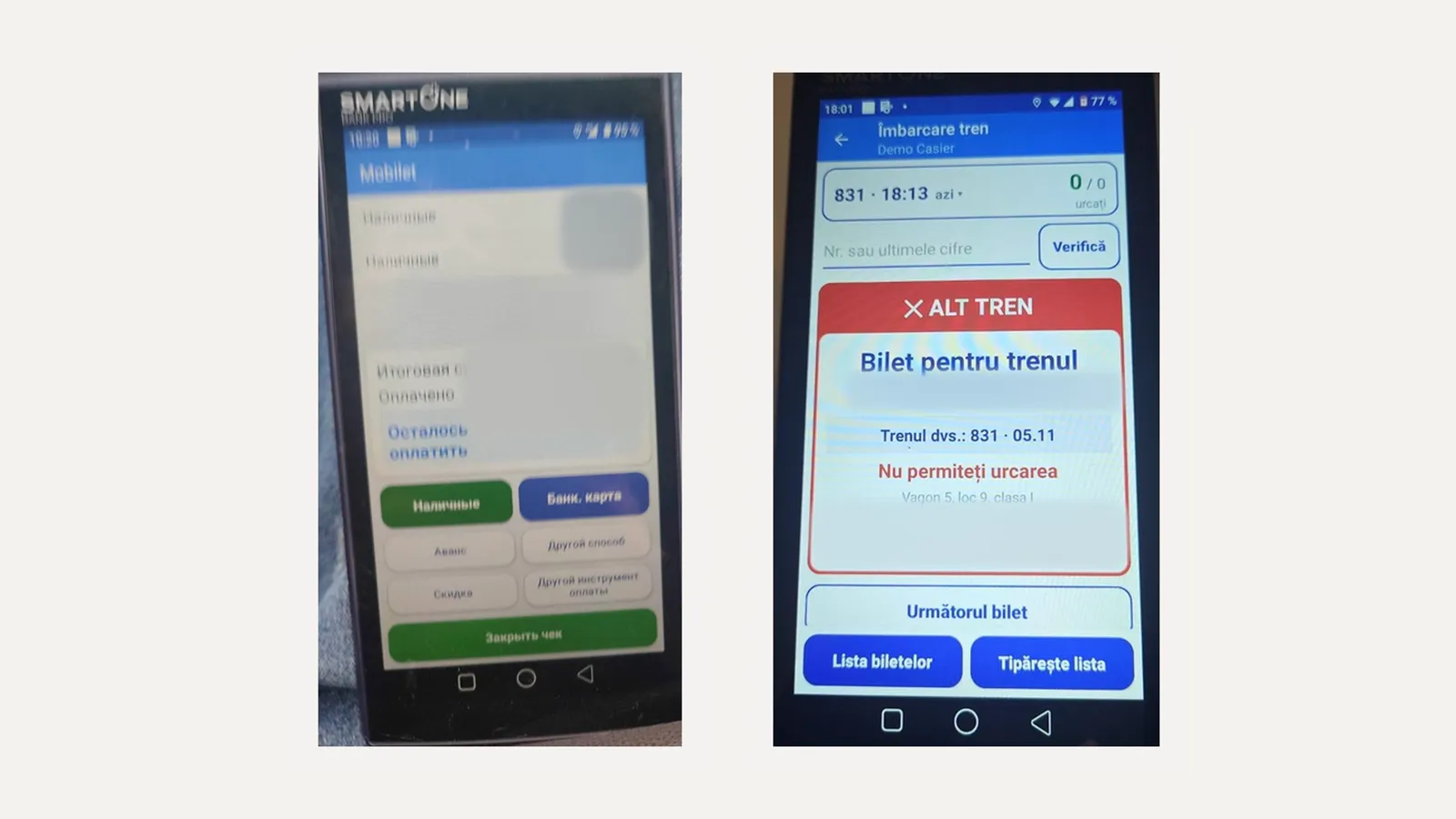
SmartOne Bank Pro is an Android terminal with a card reader, a fiscal register and a receipt printer in one body. The bank installs the payment part and the manufacturer installs the fiscal part. Your own app on it sells, takes card payments through the payment part and issues fiscal receipts through the fiscal part, without duplicating either. We build apps for SmartOne and run our own on these terminals. More about the service: Android POS terminal app development.
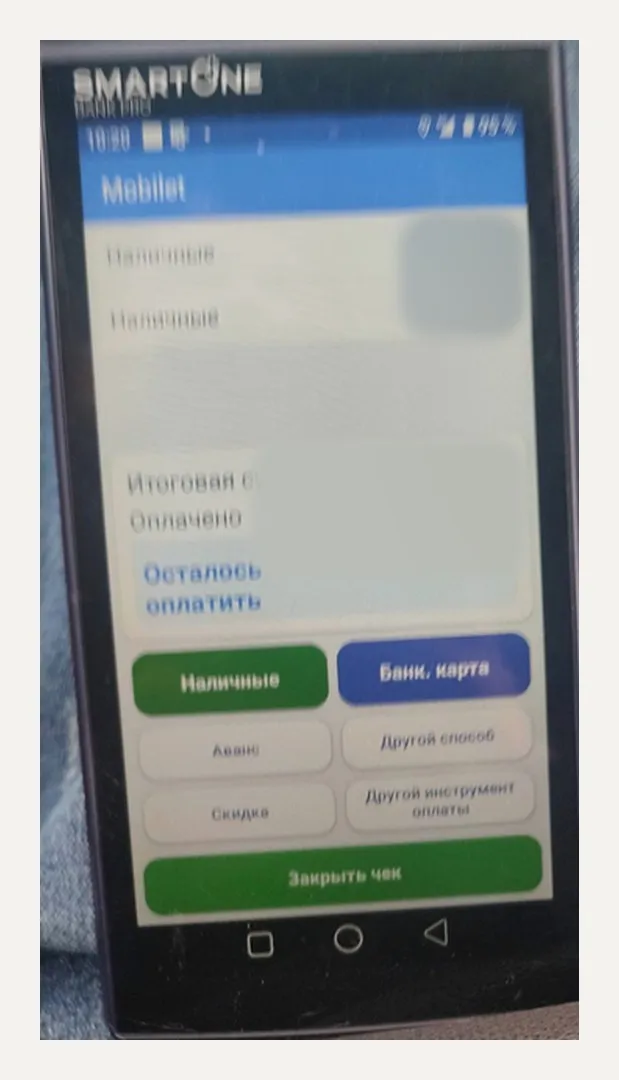
What we know about SmartOne Bank Pro
| OS | Android (the manual says Android 9) |
| Inside | card reader, fiscal module, receipt printer |
| Payments | contactless and chip |
| Fiscalization | built in, with offline receipt queueing and later upload |
According to the manufacturer and banks.
What you can do on SmartOne
- A till: products and services, cash and card, fiscal receipt, receipt copy, refund.
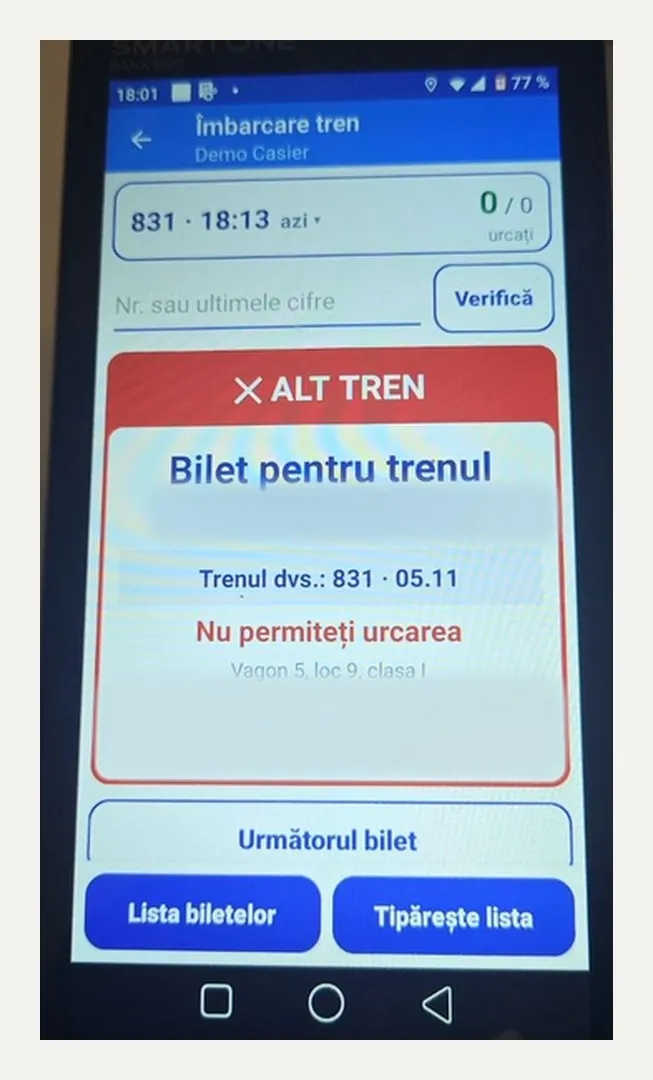
- Ticket sales by a conductor or a station ticket office, ticket check at boarding.
- Shifts: X and Z reports, cash in and cash out.
- Back-office control: pairing the terminal with a code, updates, commands to the till from a computer.
How the app handles payments and fiscalization on SmartOne
On SmartOne the payment and fiscal parts run as separate certified services inside the terminal. Our app talks to them through their interfaces: it sends the sale to the fiscal part and gets the receipt number, sends the amount to the payment part and gets the result. We don't modify the certified parts, so certification stays intact after our app updates. We work with any bank and any acquirer that issues SmartOne terminals.
The manufacturer requires each app version to be distinct: on every update we change the build identifier as agreed with them and hand the release over for signing.
What to know about SmartOne (from practice)
- The manufacturer signs the release. Plan the rollout with time for signing; test builds install without it.
- If a terminal is moved, say from a bus to a ticket office, the app's operating mode has to be switched explicitly — it doesn't change by itself.
- “Clear data” in Android settings turns the terminal into a new device for the server, and pairing has to be restored. We made pairing by a back-office code so it takes a minute.
- Cancel on the payment screen must not delete a receipt that's already paid: we enforce this check in the app instead of relying on the cashier.
How we work
Discovery, access to the fiscal test environment and the payment part, a first version on a real terminal, testing receipts, refunds and shifts, manufacturer signing, release. About the service — Android POS terminal app development. Other models: PAX A8900, Sunmi P3.
FAQ
Can we install our own app on a SmartOne Bank Pro?
Do we need a separate fiscal register?
Does it work offline?
Is it suitable for transport?
Working on SmartOne and need your own till or ticketing system? Get in touch.