PAX A8900 app development: what you can run on it
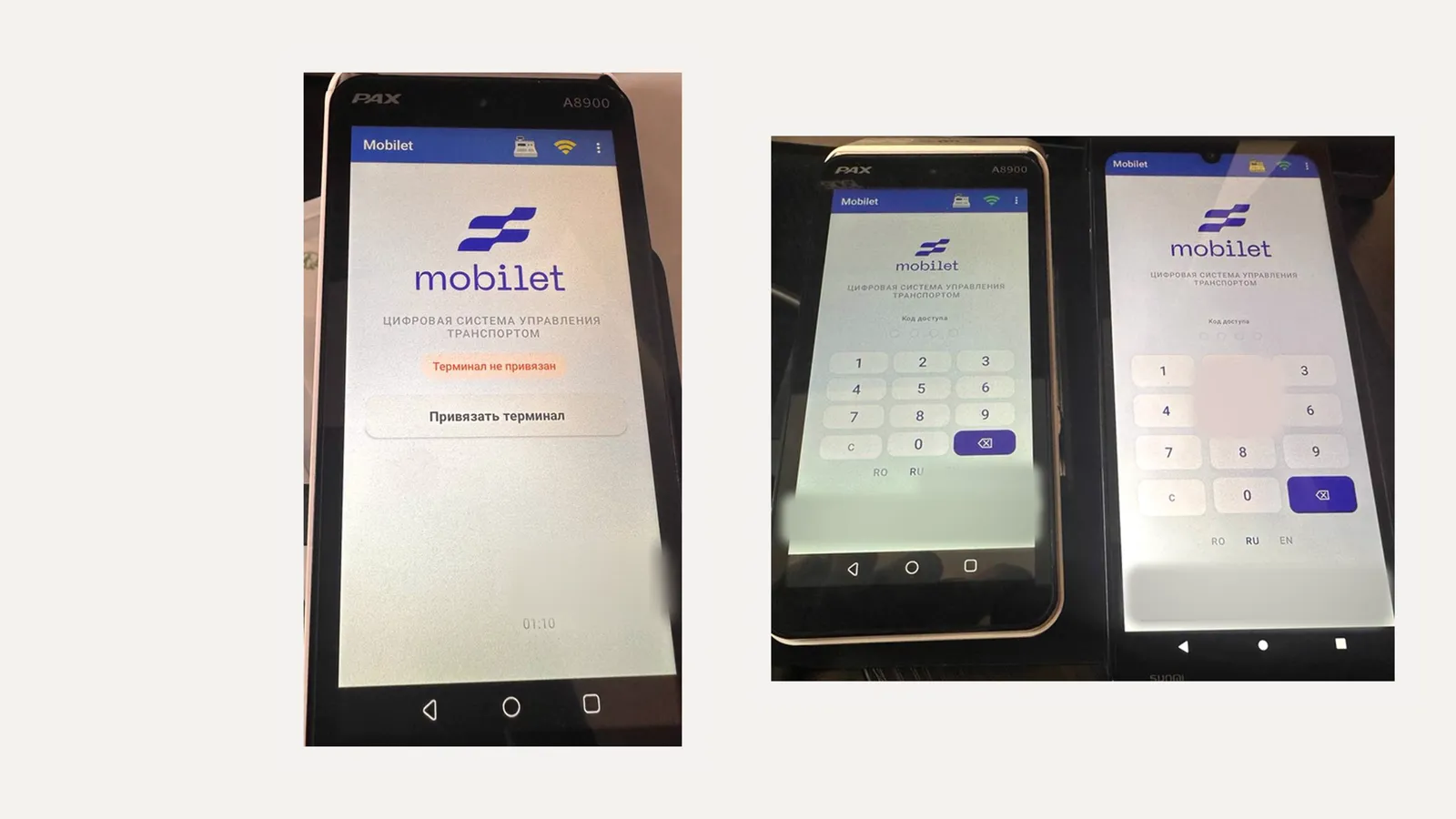
PAX A8900 is a mobile Android payment terminal with a built-in printer, card reader and banking app. You can run your own app on it: ticketing, a till, order taking, mobile sales, inventory. The card is still processed by the terminal's banking part; your app passes it the amount, gets the result back and prints the receipt. We build these apps and already run our own on the A8900. More about the service: Android POS terminal app development.
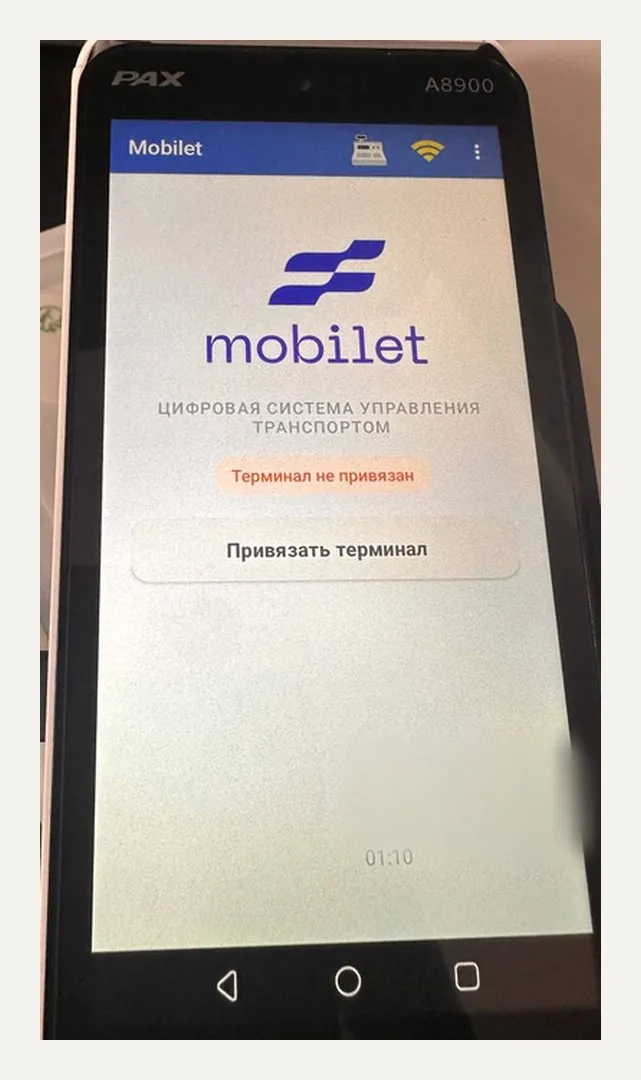
PAX A8900 specifications
| OS | PayDroid based on Android 12 |
| Display | 5.5", 720×1440, touch |
| CPU | quad-core Cortex-A53 |
| Connectivity | 4G, Wi-Fi, Bluetooth |
| Payments | contactless, chip, magstripe, on-screen PIN |
| Printer | built-in thermal printer |
| Battery | 5100 mAh |
| Port | USB Type-C |
According to the manufacturer and resellers. Memory and camera specs vary between resellers, check your own batch.
What you can do on PAX A8900
- Ticketing in transport and at events: pick a trip or a seat, pay, print a ticket with a QR code.
- A till for mobile sales and couriers: catalogue, cart, cash and card, receipt.
- Payment on delivery linked to the order number from your CRM.
- Checking tickets and passes by QR through the camera.
- Shift accounting: opening, X and Z reports, cash handover.
- Loyalty: find a customer by phone or QR, add and redeem points.
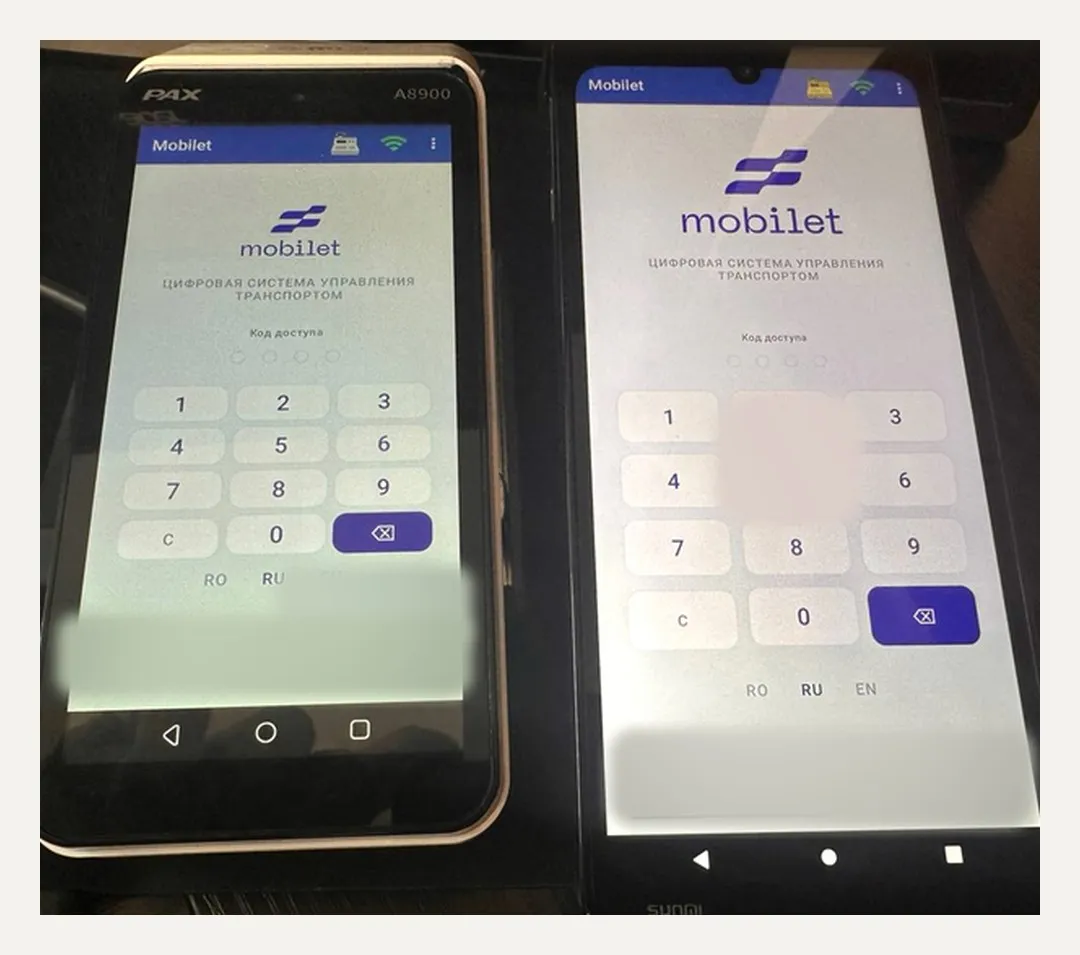
How your app handles payments on the A8900
On the A8900 the bank installs its own payment shell. Our app never touches the card: it connects to the bank's payment service through its interface (on the A8900 this is a service inside the shell, called over AIDL), sends the amount and waits for the response. The response says whether the payment went through, plus the authorization code and the slip data. We print the slip and our own receipt on the built-in printer in the format the bank requires. We work with any bank and any acquirer: we connect to whatever shell the issuing bank installed.
Without internet the app keeps selling for cash and queues the sales, then sends them to the server once the connection is back. The terminal reports telemetry to the server: app version, network, errors, last seen time. That way you see the whole fleet.
What to know about the A8900 (from practice)
- Terminal settings are locked with the bank's or fleet owner's password. You need it to install the app and grant permissions, and it comes from whoever issued the terminal. Passwords from the internet won't work and aren't needed.
- The bank provides the payment service interface together with its documentation. Without the interface files and a test key you can't connect to payments, so that's the first thing we ask for.
- The terminal is tied to the bank's merchant. If a test device is set up for a different merchant, reports and end of day go to the wrong place. We check this before the first test payments.
- The terminal's home screen is the bank's shell. To have your app open right away, it is placed as a home-screen shortcut or in kiosk mode, as agreed with the bank.
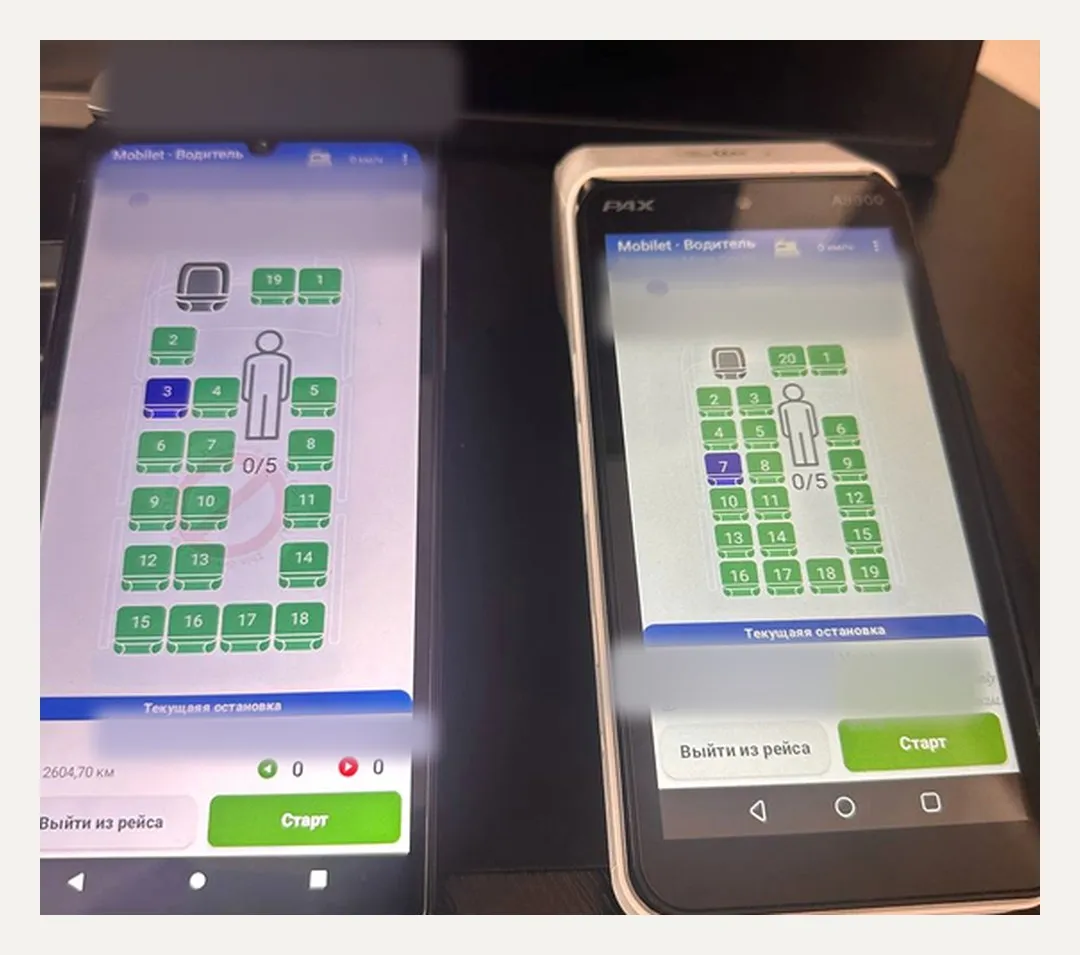
How we work
We break down the task, request access to the bank's test environment, build the first version on a real A8900, test payment, refund and end of day, and roll it out to the fleet. More on the Android POS terminal app development page. Also using Sunmi? See Sunmi P3 app development.
FAQ
Can we install our own app on a PAX A8900?
What is the PAX A8900 password?
Does your app see card data?
Does the A8900 work offline?
Will the app work on a PAX A920 or A80?
Have a PAX A8900 and a job for it? Let's talk about what you need to sell and which bank issued the terminal.