Sunmi P3 app development: till, tickets and payments on one terminal
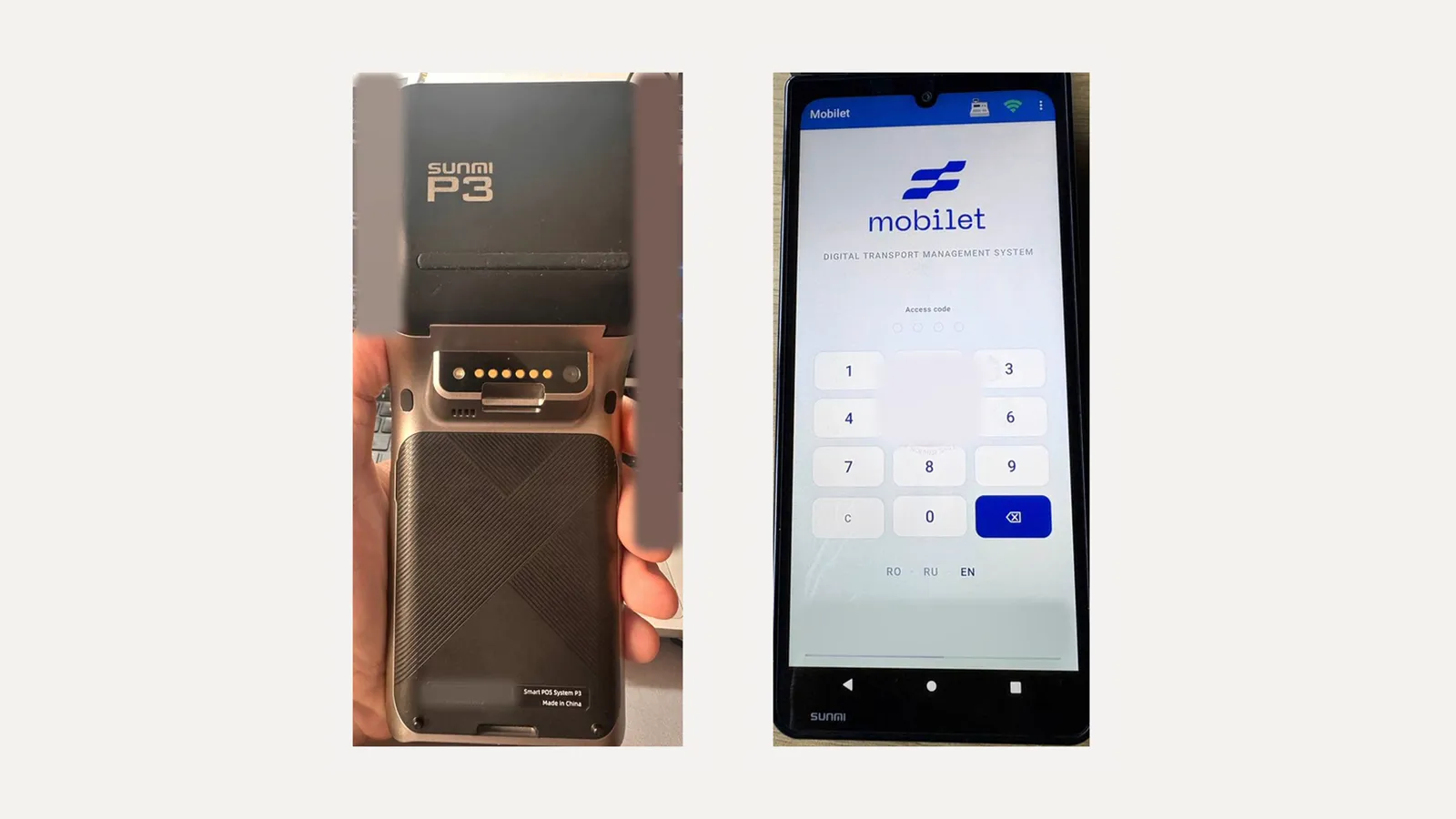
Sunmi P3 is an Android smart POS: a large screen, a built-in receipt printer, NFC and a card reader, and a camera for QR codes. Banks install their payment app on it, and next to it you can run yours: a till, ticketing, orders, inventory. Your app calls the banking app for card or QR payment, gets the result and prints the receipt. We work with the Sunmi P3 and have run our own app on it. More about the service: Android POS terminal app development.
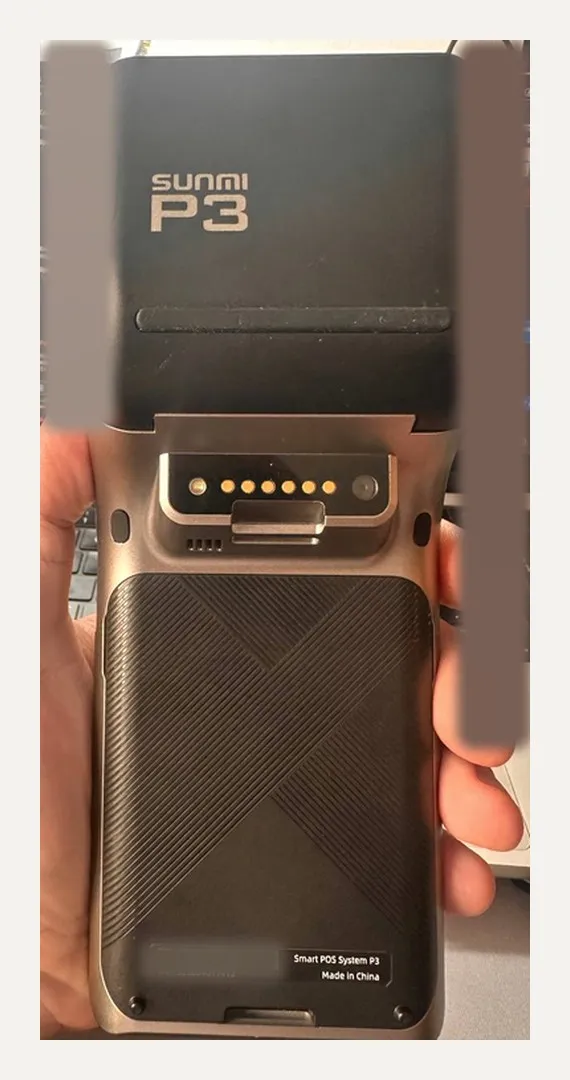
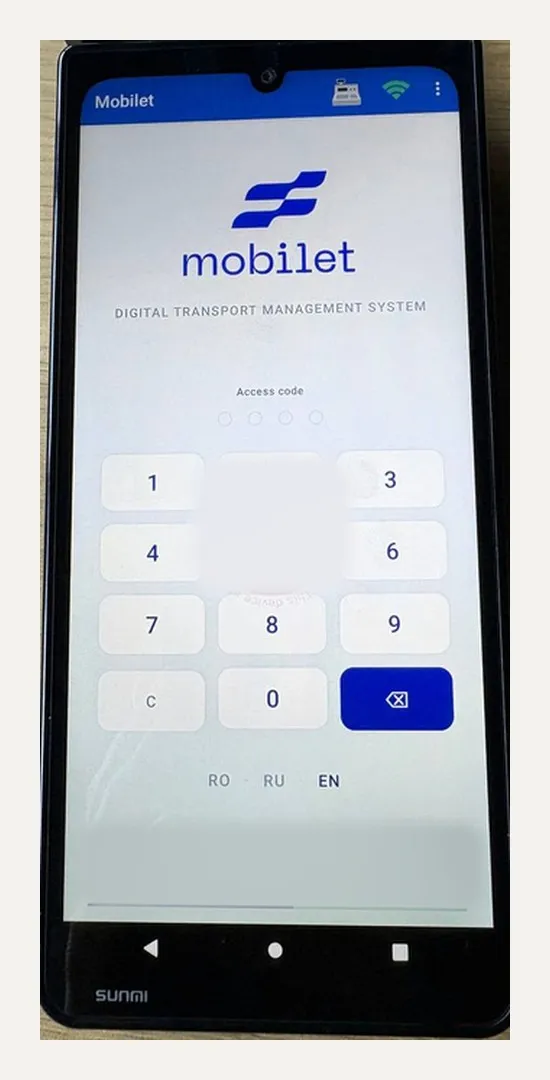
Sunmi P3 specifications
| OS | Sunmi OS based on Android 11 Go |
| Display | 6.75", 720×1600 |
| CPU | quad-core Cortex-A53, 2.0 GHz |
| Memory | 2 GB + 64 GB |
| Printer | built-in thermal printer |
| Payments | NFC, chip, magstripe (in the banking edition) |
According to the manufacturer. Sunmi also makes the P3 Mix and P3 Air on Android 13 — those are different models, and we test the app on them separately.
What you can do on Sunmi P3
- A till for shops and cafés: catalogue, cart, discounts, cash and card, fiscal receipt.
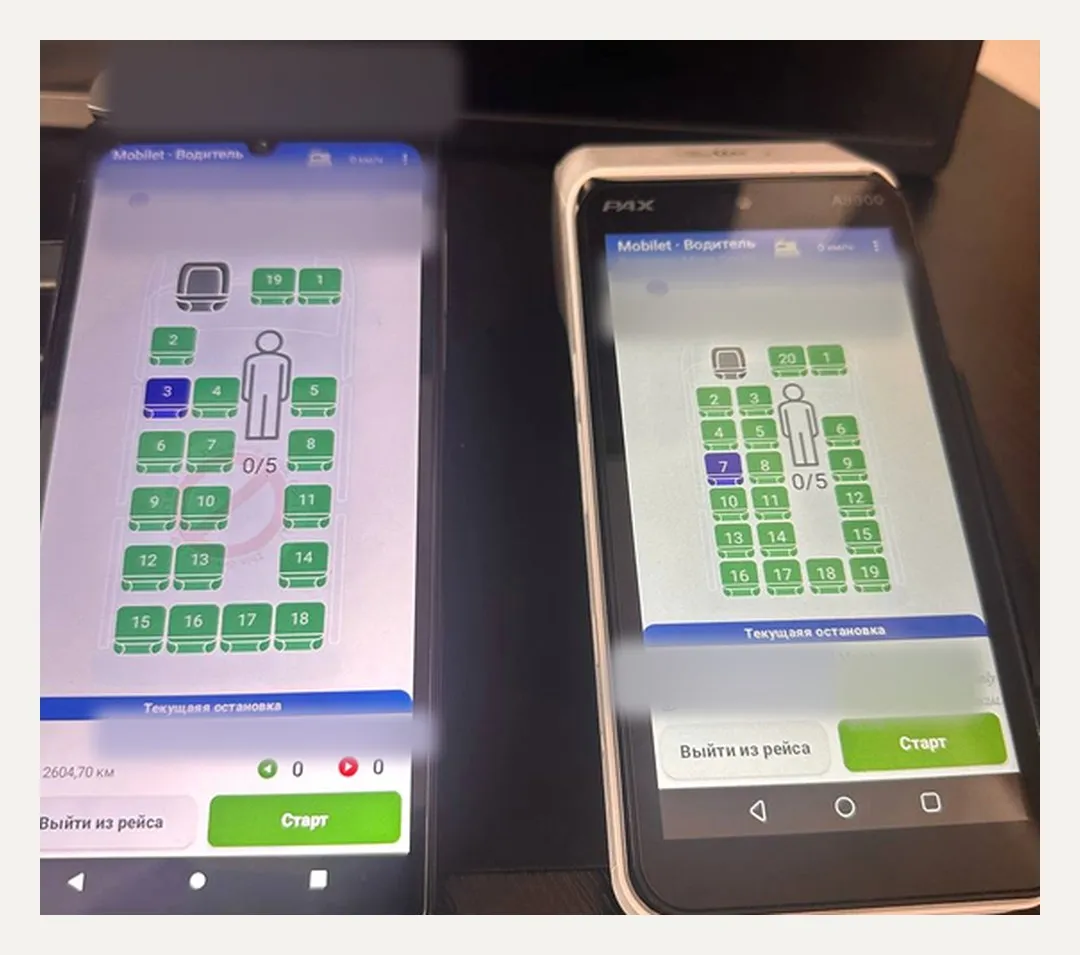
- Selling and checking tickets: pick a seat on the map, QR on the receipt, check at the entrance.
- Couriers taking payment on delivery.
- Mobile sales and field service: order, payment, work report on screen.
- Shift accounting and cash handover with a report in the back office.
How your app handles payments and printing on the P3
The bank's payment app on Sunmi is switched into cash register mode (ECR): our app then passes it the amount and payment method (card or QR) and gets the result. The access key for this mode comes from the bank. We keep it in Android's secure storage on the terminal and can update it from the server without reflashing the device. We work with any bank and any acquirer — whichever one's app is on your P3.
Printing goes through the Sunmi printer service: receipt, bank slip, ticket with a QR code. The scanner and camera pass codes straight into the app. Without internet the app sells for cash and syncs sales to the server later.
What to know about the P3 (from practice)
- ECR mode won't switch on while the banking day has transactions: close the day first, then switch modes.
- After a manual end of day with a banking app update, ECR mode can reset — the app has to detect this and prompt the cashier.
- The P3 has a tall screen. A layout built for the P3 can't simply be moved to a terminal with a shorter screen — we test on each model.
- The app is published through the Sunmi store (partner account) or installed directly if the fleet owner allows it.
How we work
Discovery, a test key from the bank, a first version on a real P3, testing payment, refund, end of day and receipt, fleet rollout. About the service — Android POS terminal app development. About the neighbouring terminal — PAX A8900 app development.
FAQ
Can we put our own app on a bank's Sunmi P3?
How is the P3 different from the P2 and V2?
Do we need the Sunmi SDK?
Can we take QR payments?
Does it work in Uzbekistan?
Have a Sunmi P3 and an idea of what to sell on it? Let's discuss it.