Cafe and Restaurant Website: Menu, QR Codes and Delivery Orders
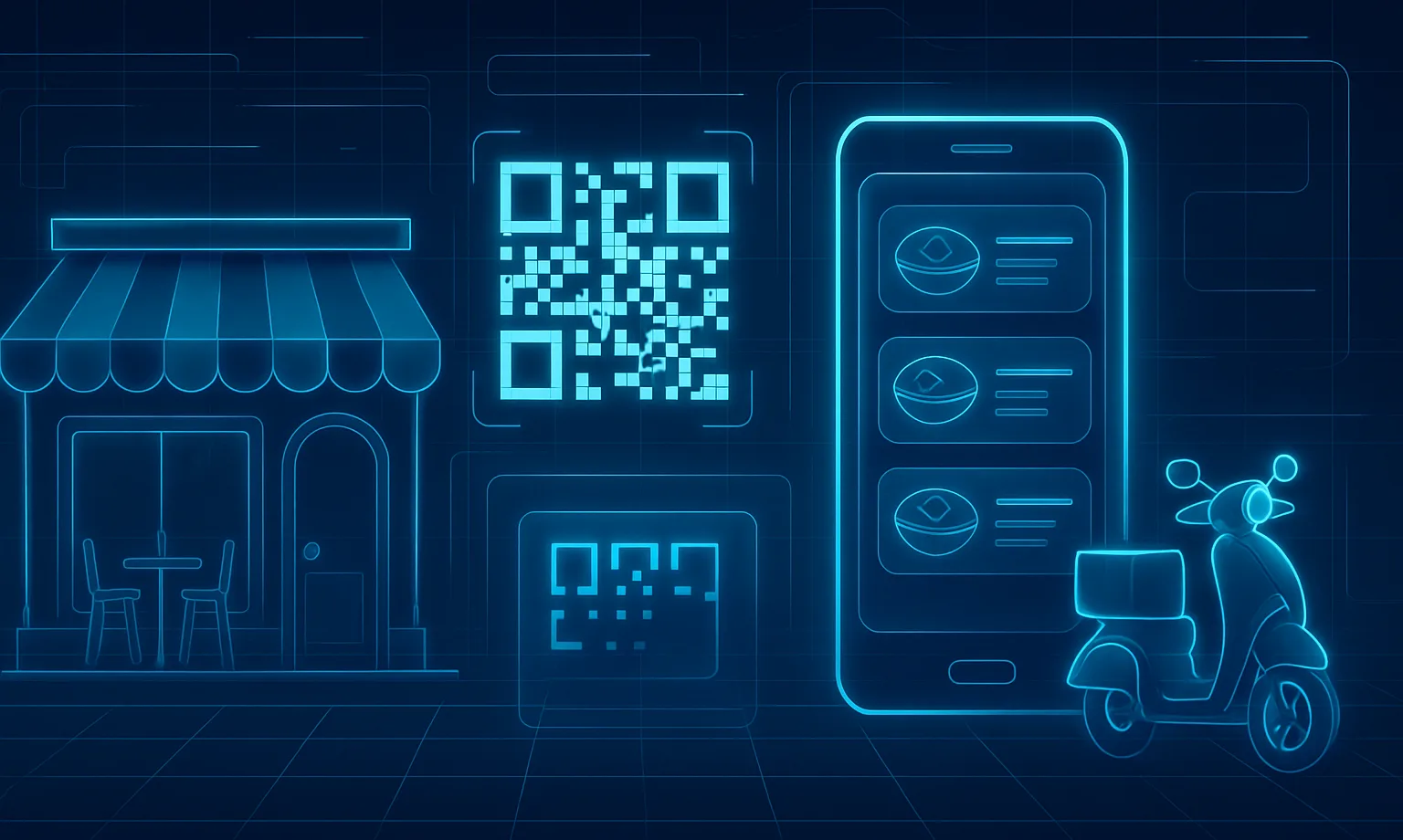
A guest decides where to have dinner in about a minute: they open their phone, glance at the menu, the prices and a few photos of the space — and either book a table or scroll on. If your only online presence is an Instagram page with pretty pictures and no prices, you lose that moment of choice to the competitor whose site shows everything at once.
A cafe or restaurant website is not an image page — it is a working tool: an up-to-date menu with prices, a QR code on the tables instead of worn-out folders, table reservations without a phone call, and delivery orders without paying an aggregator's commission. In this article we cover what such a site needs, how a QR menu works, and when it is time to take delivery orders directly.
At OneDev we build websites for restaurants and cafes in Tashkent, so everything below comes from practice — with real costs and timelines for Uzbekistan.
Why a cafe needs a website when Instagram and aggregators exist
Instagram sells atmosphere brilliantly but answers practical questions poorly: what is on the menu today, how much is the business lunch, is there a table for Friday night. Guests have to ask all of that in DMs — if the administrator finds time to reply. Delivery aggregators bring orders, but they take a 15–30% commission on every receipt and keep the customer base to themselves: you do not even know who your regulars are.
Your own website closes both gaps. People searching for "cafe near me" or "restaurant with a summer terrace in Tashkent" land on your pages directly, see the menu and book a table. Regulars order delivery through the site — commission-free, and their contacts stay with you for promos and mailings.
A website with a menu and delivery: the must-have sections
The structure depends on your format, but the backbone is the same:
- Menu with prices and photos. The number one reason people visit the site. Categories, proper dish photos, ingredients, prices in soums. Updated from the admin panel in a minute — not "through the developer".
- Table reservations. A form with date, time and party size; the request lands in the administrator's Telegram instantly.
- Delivery and pickup orders. A cart, a delivery zone, payment via Payme/Click or cash to the courier.
- Photos of the space. Interior, terrace, kids' area — the things that decide "are we going or not".
- Contacts and map. Address with landmarks, opening hours, parking, a tap-to-call phone number and a Telegram button.
- Promos and events. Business lunches, live music, banquets — pages you can point your ads at.
A common mistake: publishing the menu as a PDF or as photos of printed pages. On a phone such a file has to be pinch-zoomed, there is no search, and search engines cannot read the contents — a query like "plov delivery Tashkent" will never find that site. The menu must be regular website pages with text and prices.
QR menu: why bother if you have a printed one
The QR code on the table leads to the same menu on your website — and it beats paper on every count. Prices change in the admin panel instantly, not "when we reprint the folders". A stop list hides sold-out dishes with one click. The guest reads the menu in their own language — Uzbek, Russian or English. And as a bonus, every person sitting in your dining room lands on your website, where they see your promos and the "order delivery to your home" button.
Advice from practice: do not run your QR menu on a third-party service under someone else's domain. Point the code at the /menu page of your own site. You skip the monthly subscription for a "QR platform", the menu gets indexed by search engines, and the guest stays inside your ecosystem — reservations, delivery and promos in one place.
Taking delivery orders: your website vs the aggregator
Aggregator: a fast start and someone else's audience, but a 15–30% commission per receipt, your dishes displayed next to competitors', a customer base that belongs to the platform, and rules and fees that change without asking you.
Your own site: zero commission, direct contact with the guest, Payme/Click payments, orders delivered to Telegram or straight into your POS. The downside — you bring the audience yourself: QR codes in the dining room, flyers in delivery bags, social media, ads.
The working strategy: not either-or, but both. The aggregator brings new guests, and you move the regulars to ordering through your site — every migrated customer saves you the commission on every future receipt.
Technically an order is simple: the guest fills a cart, picks a time and address, pays online or selects "cash to courier". The order arrives in the kitchen's Telegram chat with the full item list and total. That is enough to start — integration with iiko or R-Keeper can be added later, once order volume grows.
What a cafe website costs in Uzbekistan
Market reference points from our own projects:
- Venue landing page — from $300: menu, photos, table booking, map, a QR code for the dining room. Enough for a coffee shop or a small cafe.
- Website with a menu and online ordering — from $400: a full categorized menu, cart, delivery zone, three languages.
- Website with delivery and online payment — from $500: Payme/Click, order statuses, promo codes, POS integration.
- Support — from $50/month: menu and price updates, seasonal promos, backups.
Timelines run from 3 to 14 days depending on scope. Collecting materials takes the longest: dish photography makes or breaks the site, so schedule a photo shoot early. To see exactly what goes into a project and how the process works, check the turnkey restaurant website page.
Conclusion
A good cafe website does three things: shows the menu with prices before the visit, takes reservations without a phone call, and pulls delivery out from under aggregator commissions. The QR code in the dining room ties offline to online: every guest at a table becomes a subscriber of your platform, not somebody else's. You can start with a landing page with a menu and booking in 7 days, then add the cart and payments once orders pick up. Tell us about your venue and we will propose a structure and a budget: restaurant website development.